Microsoft 365 Copilot for SMBs Explained in Under 3 Minutes
- sales756194
- 7 days ago
- 5 min read
You've heard the buzz. Microsoft 365 Copilot is everywhere: on tech blogs, in LinkedIn feeds, and probably mentioned at least twice in your last industry conference. But here's the thing: most of the conversation focuses on enterprise giants with deep pockets and dedicated IT armies.
What about small and mid-sized businesses? What about your business?
Good news. Copilot isn't just for the Fortune 500 anymore. It's built to work for lean teams, tight budgets, and businesses that need every advantage they can get. Let's break down exactly what Microsoft 365 Copilot brings to the table: and why it might be the productivity boost your team has been waiting for.
What Exactly Is Microsoft 365 Copilot?
At its core, Microsoft 365 Copilot is an AI-powered assistant that lives inside the Microsoft apps you already use every day. We're talking Word, Excel, PowerPoint, Outlook, and Teams. It's not a separate tool you need to learn or another tab cluttering your browser. It's woven directly into your workflow.
Think of Copilot as your always-available coworker who happens to be incredibly fast at drafting documents, summarizing meetings, analyzing spreadsheets, and managing your inbox chaos. It doesnt replace your teams creativity or decision-making: it accelerates the routine stuff so your people can focus on work that actually moves the needle.
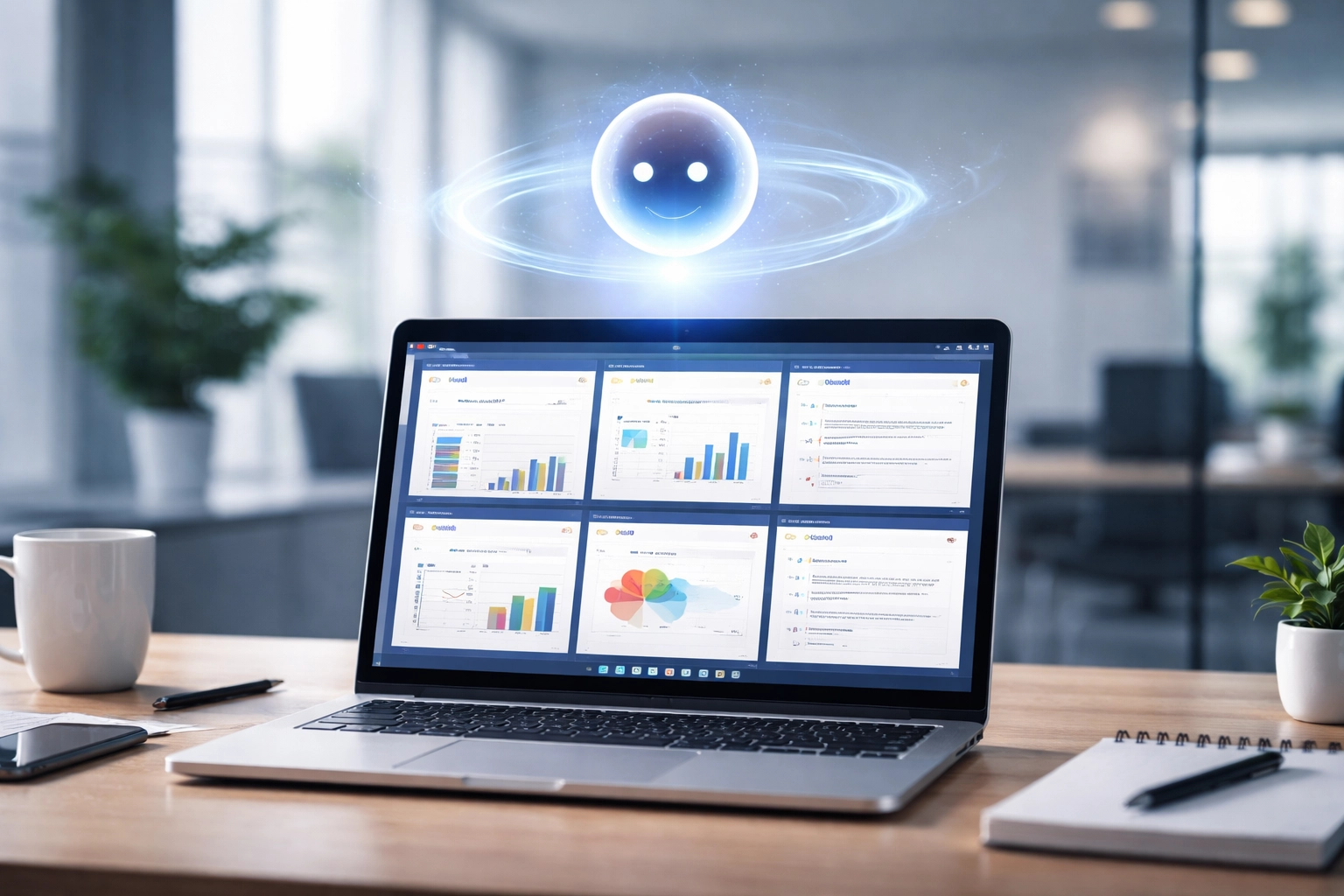
The magic happens through natural language. You dont need to learn complicated commands or formulas. Just type what you need in plain English: Summarize this email thread, Create a project timeline based on these notes, or Find the latest version of our employee handbook. Copilot handles the heavy lifting.
The Features That Matter Most for SMBs
Let's get specific. Here are the capabilities that deliver real value for small and mid-sized businesses:
Meeting Summaries That Actually Work
How many hours does your team lose every week trying to remember what happened in that Tuesday meeting? Copilot automatically captures key discussion points, decisions made, and action items from your Teams meetings. It even pulls from transcripts, so nothing slips through the cracks.
No more frantically scribbling notes while trying to participate in the conversation. No more post-meeting confusion about who's responsible for what. The summary lands in your lap, organized and ready to share.
Email Management Without the Overwhelm
Your inbox is a warzone. We get it. Copilot summarizes long email threads so you can get up to speed in seconds instead of scrolling through 47 replies. It drafts responses based on context, suggests follow-ups, and helps you prioritize what actually needs your attention.
For business owners and managers juggling a dozen responsibilities, this alone can reclaim hours every week.

Document Drafting at Lightning Speed
Starting from a blank page is painful. Whether you're creating a proposal, a project brief, or a client presentation, Copilot gives you a running start. Feed it some notes or bullet points, and it generates a draft you can refine and make your own.
This isn't about replacing your voice or expertise: it's about eliminating the friction that slows you down before you even get going.
Smart File Retrieval
Ever spent 20 minutes hunting for a document you know exists somewhere in SharePoint? Copilot lets you search using natural language queries. Type "Find the Q4 sales report from last year" and watch it surface exactly what you need.
For teams managing hundreds (or thousands) of files, this feature alone pays for itself in sanity.
Data Analysis Made Approachable
Excel intimidates a lot of people. Copilot changes that equation. It suggests visualizations, identifies trends, and helps you make sense of your data without requiring a spreadsheet certification. Ask questions in plain language, and Copilot translates them into insights you can actually use.
The Work IQ Factor: Context That Matters
Heres where Copilot gets genuinely impressive for business use. Microsoft built something they call Work IQ: an intelligence layer that understands your job, your company context, and how information flows across your organization.
This isn't generic AI spitting out cookie-cutter responses. Copilot learns from your documents, emails, meetings, and files to deliver answers and suggestions that actually fit your business reality.

And before you ask about security: your data stays private. Copilot respects your organization's existing security and compliance settings. It doesn't train on your proprietary information or share it outside your boundaries. You stay in control.
Why This Matters for Small and Mid-Sized Businesses
Let's be real. Small businesses don't have the luxury of throwing bodies at problems. When you're running lean, every hour counts. Every inefficiency eats directly into your margin.
Copilot levels the playing field. It gives your team access to enterprise-grade productivity tools without requiring a massive IT department to deploy and manage them. The barrier to entry has dropped dramatically.
Consider the math. If Copilot saves each team member just 30 minutes a day on routine administrative tasks, that's 2.5 hours per week, per person. Multiply that across your team, and you're looking at significant capacity you can redirect toward growth, customer engagement, and the strategic work that actually differentiates your business.
This isn't about replacing jobs. It's about amplifying what your people can accomplish. Your operations manager stops drowning in meeting notes. Your sales team responds to prospects faster. Your leadership gets clearer insights without waiting for someone to build a report.
Getting Started: What You Need to Know
Copilot integrates with Microsoft 365 Business Premium and Enterprise plans. If you're already in the Microsoft ecosystem, the path forward is relatively straightforward. If you're not, this might be the catalyst to consider making the switch.
A few things to think about before diving in:
Licensing: Copilot requires specific licensing tiers. Understanding what's included: and what costs extra: helps you budget appropriately.
Data Organization: Copilot works best when your files, emails, and documents are reasonably organized. If your SharePoint looks like a digital junk drawer, you'll want to clean house first.
Training and Adoption: Like any tool, Copilot delivers value when people actually use it. Building in time for your team to learn the ropes makes a real difference in ROI.
Security Review: Make sure your compliance and security policies are current before enabling AI tools that access your business data.
How Pyramid Technology Service Group Helps You Get There
Here's the thing about AI tools: the technology is only as good as the implementation. Rolling out Copilot without a plan often leads to confusion, underutilization, and wasted investment.
At Pyramid Technology Service Group, we specialize in helping small and mid-sized businesses deploy technology that actually works for them. Our team works closely with you to assess your current Microsoft 365 environment, identify opportunities where Copilot can deliver immediate impact, and build an adoption strategy that fits your team's workflow.
We handle the technical setup, the licensing questions, and the training that ensures your people hit the ground running. And because we understand managed IT services and network solutions inside and out, we can help you build a technology foundation that supports AI tools now and positions you for whatever comes next.
If you're curious about how AI fits into your business strategy, check out our recent post on practical ways small businesses can use AI today. It's a great starting point for thinking beyond the hype.
The Bottom Line
Microsoft 365 Copilot isn't magic. It won't fix broken processes or replace strategic thinking. But for small and mid-sized businesses looking to do more with less, it's a genuinely powerful tool that puts enterprise-level productivity within reach.
The question isn't whether AI will transform how businesses operate: it's whether you'll be ahead of that curve or playing catch-up.
Ready to explore what Copilot can do for your team? Reach out to us and let's talk about building your AI-powered future.
Comments