Microsoft Is Forcing MFA in March 2026: 7 Things SMBs Must Do Before the Deadline
- Feb 3
- 7 min read
If you think MICROSOFT is just suggesting multi-factor authentication, think again. The era of optional security ended months ago, and the final enforcement deadlines are here. February 9, 2026 marks the cutoff for Microsoft 365 admin center access without MFA, and March 1, 2026 begins the permanent retirement of SMTP AUTH for Exchange Online. If your small or mid-sized business is not ready, you will lose access to critical systems within days.
This is not a scare tactic. This is the reality of doing business in 2026. But here is the visionary perspective: this forced shift is not a burden. It is the foundation you need to safely adopt AI, protect your NETWORK SECURITY infrastructure, and scale without constant fear of breaches. The businesses that embrace this moment will leapfrog competitors still clinging to outdated authentication methods.
Let's walk through exactly what you need to do right now to stay operational and turn this mandate into a strategic advantage.
What Microsoft Is Actually Enforcing and When
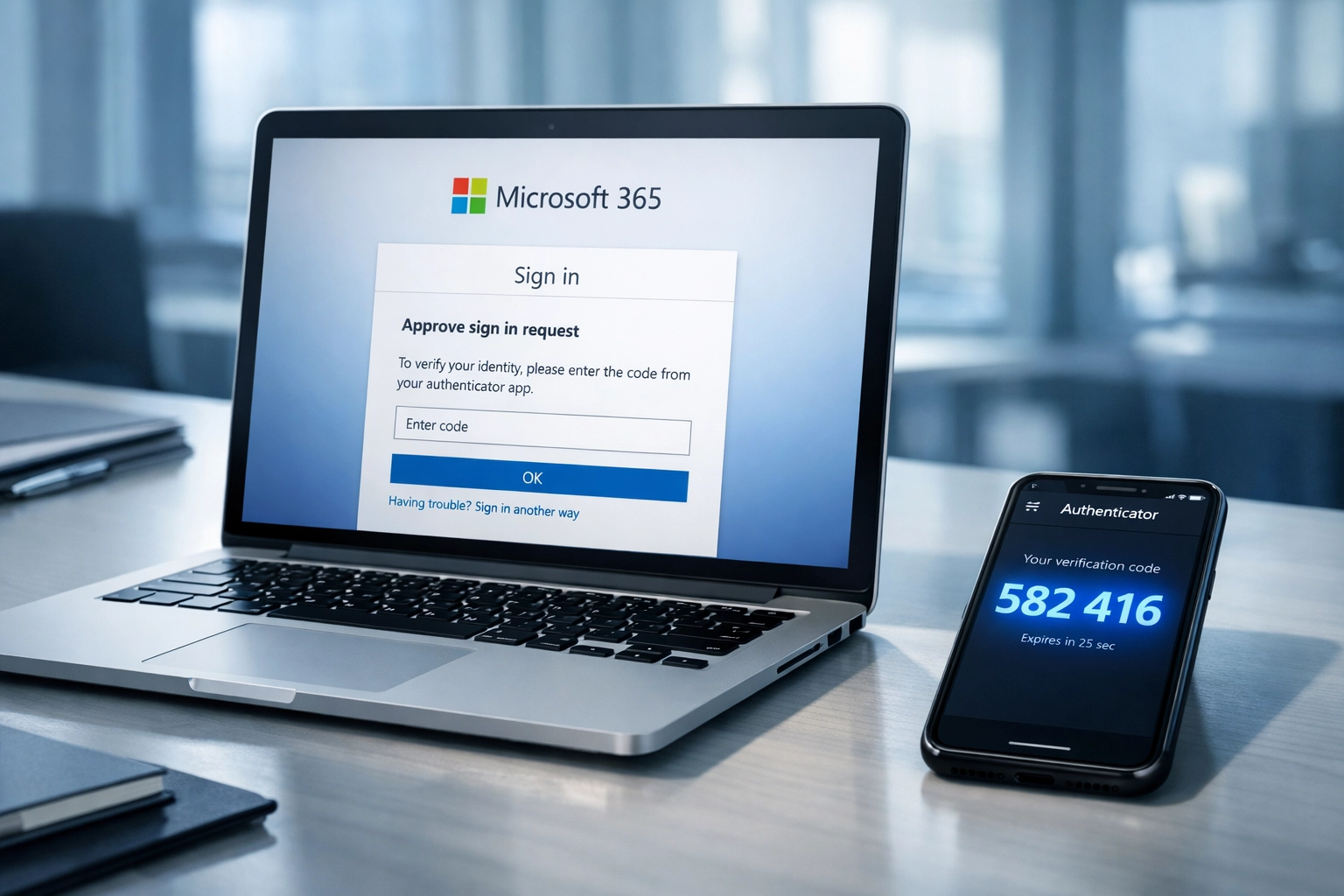
Microsoft is implementing multiple enforcement waves, and the timelines are overlapping. Starting February 9, 2026, any user attempting to sign into the Microsoft 365 admin center without MFA enabled will be blocked entirely. No exceptions. No grace period. If your IT team or external IT Consulting partner has not configured MFA for admin accounts, you will be locked out of the control panel for your entire Microsoft environment.
The March 1, 2026 deadline targets SMTP AUTH Basic Authentication for Exchange Online. This affects any application, device, or workflow that sends email using basic username and password authentication. Printers, scanners, CRM systems, accounting software, and legacy applications are the usual culprits. By April 30, 2026, SMTP AUTH will be completely shut down across all Microsoft 365 tenants, and Microsoft support cannot provide workarounds or exceptions.
Meanwhile, Phase 2 MFA enforcement for Azure CLI, PowerShell, Azure Mobile App, and REST APIs began in October 2025. If your business uses Infrastructure as Code tools or automated scripts for cloud management, you should already be compliant. If you are not, you have until July 1, 2026 to postpone enforcement by contacting your Global Administrator.
These deadlines are not theoretical. They are live, and the clock is ticking.
Why This Matters More Than You Think
Microsoft research shows that MFA-protected accounts block 99.99 percent of hacking attempts. When credentials are compromised, MFA reduces account takeover by 98.56 percent. Those numbers are staggering, and they explain why Microsoft is forcing the issue. The company is not just protecting its platform. It is protecting every business that relies on Microsoft 365, Azure, and Exchange Online from preventable disasters.
But here is the bigger picture: your ability to adopt AI safely depends on strong identity and access management. Every AI tool you deploy, whether it is Microsoft Copilot, automated workflows, or AI Agents integrated into your operations, requires secure authentication. If attackers can compromise a single admin account, they can poison your AI training data, manipulate automated decisions, or use your AI infrastructure to launch attacks against your customers.
MFA is not just a checkbox for compliance. It is the entry point to a Zero Trust NETWORK SECURITY model that treats every login, every device, and every request as potentially hostile until proven otherwise. This mindset is mandatory for businesses that want to scale AI without scaling risk.

1. Enable MFA for All Administrator Accounts Immediately
If you have not already done this, stop reading and do it now. Your Global Administrator account is the master key to your entire Microsoft environment. If it gets compromised without MFA, an attacker can lock you out, delete your data, and ransom your business in minutes.
Microsoft provides a setup wizard specifically for enabling MFA on admin accounts. Your IT Consulting partner should walk you through this process if you are not comfortable doing it yourself. The goal is to have every admin account protected with at least two forms of verification before February 9, 2026.
This is non-negotiable. Admin lockouts are the most common disaster we see after enforcement deadlines pass, and they are entirely preventable.
2. Add Multiple Authentication Methods for Every User
MFA is only effective if users have backup authentication methods. Relying solely on SMS text codes is a mistake because phones get lost, numbers change, and SMS can be intercepted through SIM swapping attacks. Microsoft supports authenticator apps, hardware security keys, biometric verification, and fallback codes.
Every user should configure at least two authentication methods through the Microsoft MFA setup portal. This redundancy ensures that a lost phone does not turn into a lost workday. It also protects your team from social engineering attacks that target SMS as the weakest link.
Train your team to think of authentication methods as insurance policies. The more they have, the less likely they are to get locked out during a crisis.
3. Audit and Migrate Away from SMTP AUTH
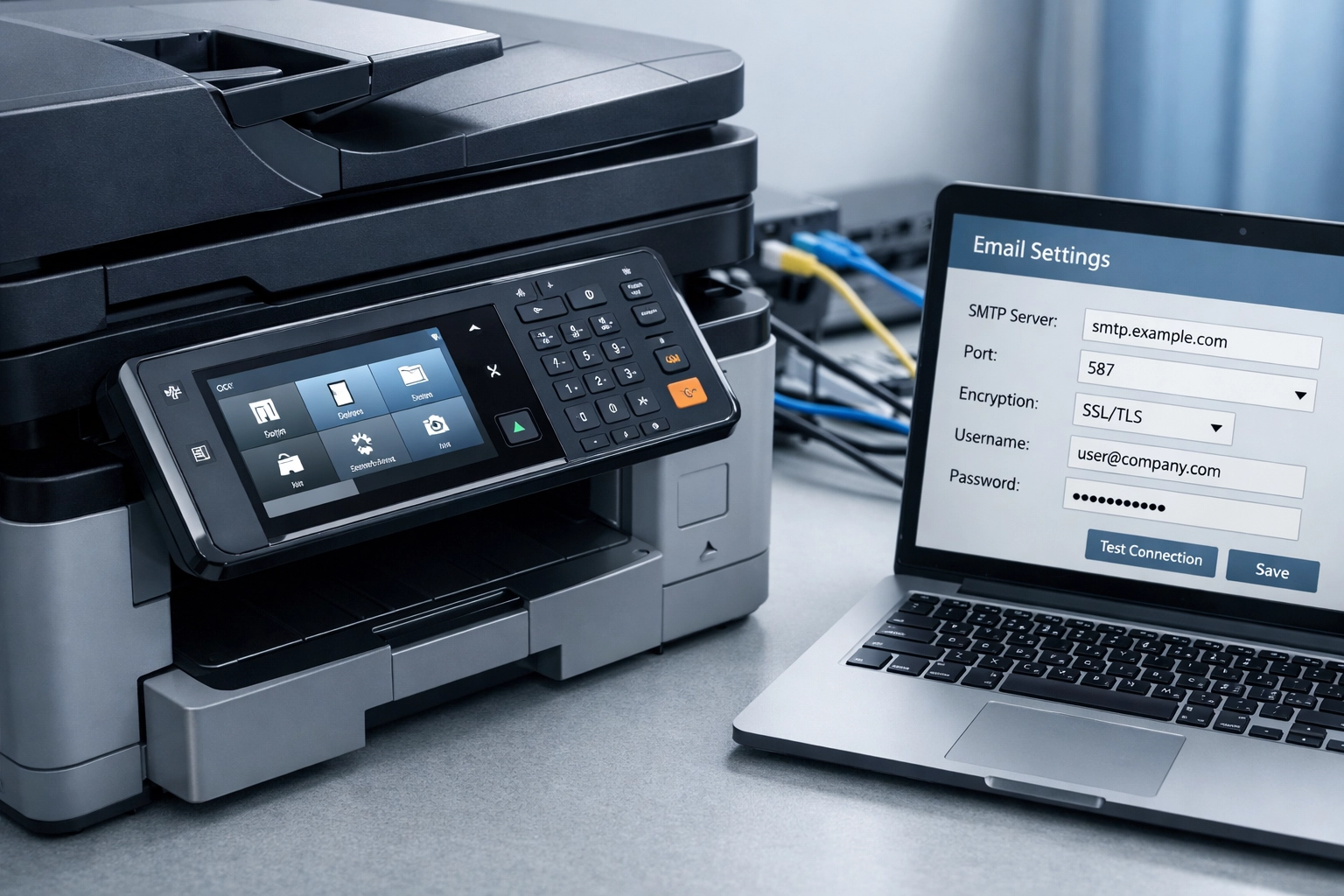
This is the technical task that most SMBs overlook until it is too late. SMTP AUTH is embedded in dozens of workflows, and you may not even know where it is hiding. Printers that email scanned documents, accounting software that sends invoices, CRM platforms that trigger automated emails: all of these could break on March 1, 2026 if they rely on SMTP AUTH.
Your IT Consulting team should conduct a full audit of every application, device, and script that sends email through Exchange Online. Microsoft recommends migrating to OAuth 2.0 or using Microsoft Graph API for modern authentication. For devices that cannot support modern auth, you may need firmware updates or replacements.
Do not wait until March to discover what is broken. Start testing now so you have time to fix issues before the cutoff.
4. Train Your Team on MFA Usage and Best Practices
Technology does not secure your business. People do. If your team does not understand why MFA matters or how to use it correctly, they will find workarounds that undermine your entire security posture. Worse, they will fall for phishing attacks that try to steal MFA codes in real time.
Run a training session that covers the basics: why MFA exists, how to set up authenticator apps, what to do if they lose access, and how to spot phishing attempts that ask for MFA codes. Make it clear that MFA prompts should only appear when they are actively trying to log in. Unsolicited MFA prompts are a red flag for an attack in progress.
This training is also your opportunity to connect MFA to the bigger vision. Explain that strong authentication is the foundation for safely using AI tools, accessing cloud resources remotely, and protecting customer data. When employees understand the why, they are far more likely to follow the how.
5. Document Your MFA Policies and Procedures
Security is not just about tools. It is about processes. If your MFA setup is only understood by one person, you have a single point of failure. What happens if that person is unavailable during a lockout? What if they leave the company and no one knows how to manage MFA policies?
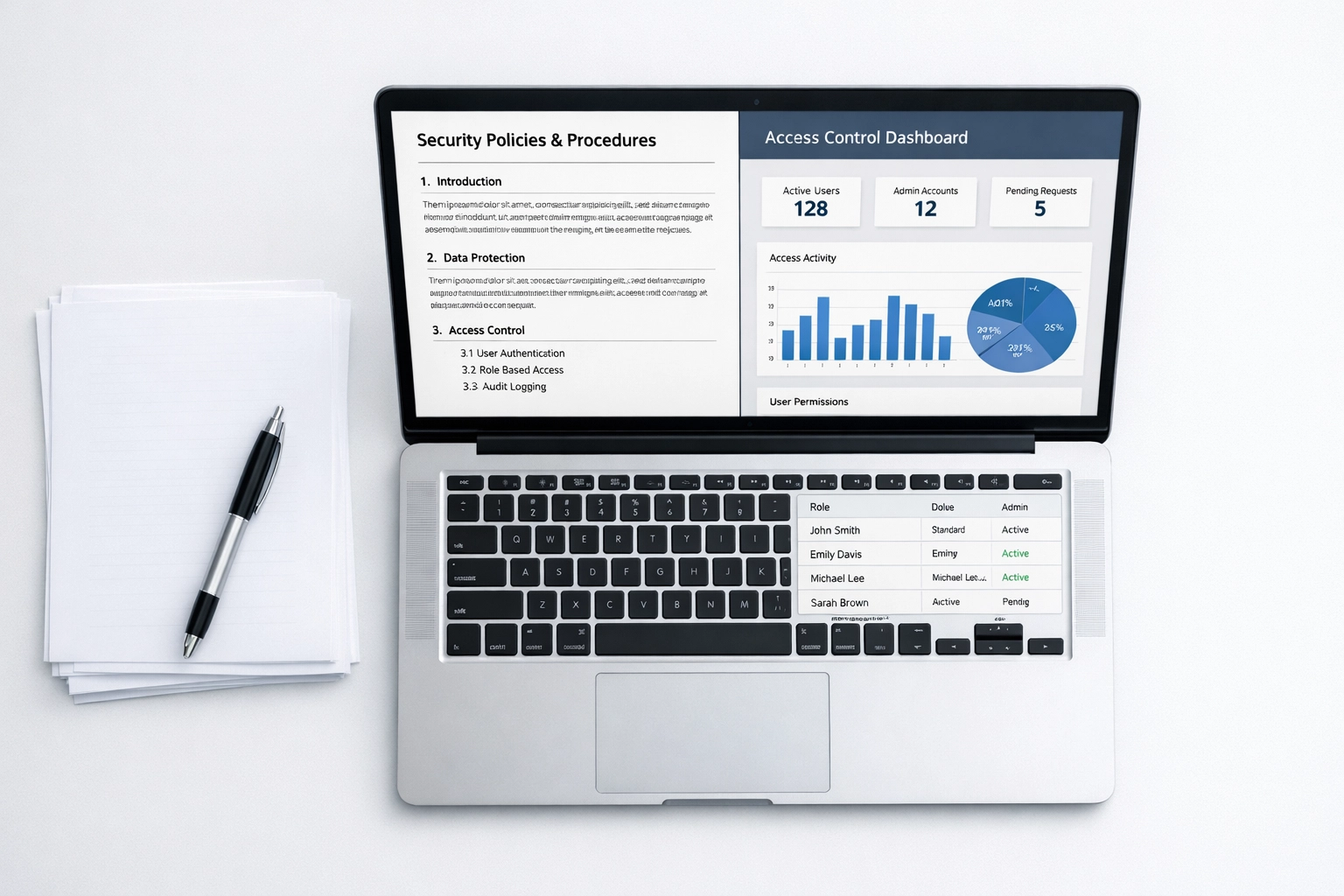
Create documentation that covers your MFA configuration, conditional access policies, user onboarding procedures, and emergency access protocols. Store this documentation in a secure location that authorized personnel can access even if primary systems are down. This is part of good IT governance and it dramatically reduces recovery time when things go wrong.
Your IT Consulting partner should help you build this documentation as part of their standard service. If they are not offering this proactively, it is worth asking why.

6. Test Your Backup Access Methods
Hope is not a strategy. Before the deadlines hit, simulate lockout scenarios to verify that your backup access methods actually work. Can your admins authenticate using their secondary methods? Do your break-glass accounts function correctly? Can you recover access if your primary authentication method fails?
These tests reveal gaps in your setup before they become emergencies. They also build muscle memory for your team so they know exactly what to do under pressure. A five-minute test today can save hours of downtime and thousands of dollars in lost productivity later.
This is especially critical for businesses with remote teams or distributed operations. You cannot afford to have an employee stranded without access because no one thought to test the recovery process.
7. View This as Your Security Foundation for AI Adoption
Here is the visionary shift: MFA enforcement is not the end of your security journey. It is the beginning. Once you have strong identity and access management in place, you unlock the ability to adopt AI tools safely and strategically.
AI-powered workflows require access to sensitive data, customer information, and operational systems. Without MFA and modern authentication, you are handing attackers the keys to your AI infrastructure. But with MFA as your foundation, you can confidently deploy Microsoft Copilot, integrate AI Agents into customer service, and automate repetitive tasks without constant fear of breaches.
The businesses that treat this mandate as a compliance headache will stay stuck in reactive mode. The businesses that treat it as a launchpad for AI adoption will accelerate past their competitors. Which approach sounds more aligned with where you want to be in 2026?
What Happens If You Miss the Deadlines
Let's be clear about the consequences. If you miss the February 9, 2026 deadline, your admins will be locked out of the Microsoft 365 admin center. You will not be able to manage users, reset passwords, configure settings, or troubleshoot issues. Your IT operations will grind to a halt until you enable MFA.
If you miss the March 1, 2026 SMTP AUTH deadline, any application relying on basic authentication will stop sending email. Invoices will not go out. Notifications will not arrive. Automated workflows will break. You will spend days or weeks tracking down every affected system and migrating to modern auth under emergency conditions.
These are not hypothetical scenarios. They are predictable outcomes that happen to businesses that wait too long. The cost of preparation is a fraction of the cost of recovery.
Moving Forward with Confidence
Microsoft is forcing MFA because the threat landscape demands it. AI-powered ransomware, credential theft, and account takeover attacks are accelerating faster than traditional defenses can handle. The businesses that survive and thrive in this environment are the ones that adopt strong authentication, NETWORK SECURITY best practices, and a Zero Trust mindset.
If your business needs help navigating these deadlines, implementing MFA correctly, or building a security foundation for AI adoption, Pyramid Technology Service Group specializes in IT Consulting for small and mid-sized businesses. We help you turn mandatory compliance into strategic advantage so you can focus on growth instead of firefighting.
The deadlines are here. The choice is yours. Prepare now, or pay later.
Comments